AI homework helper
An AI homework helper that makes it click.
Snap the problem or just ask out loud. Instead of handing you the answer, ahaboard finds where you're stuck, gives you one hint at a time and draws every step on a whiteboard until it makes sense.

How it helps
Show it the problem
Add a photo, a file or a link, or describe it. The lesson is built from what you bring, not from a generic script.
It finds where you're stuck
Like a real tutor, it works out which step is tripping you up and starts there, instead of from page one.
You solve it, one hint at a time
It nudges you toward the next step and checks your thinking, drawing the working as you go. You leave with notes and a quick quiz.
Bring whatever you're stuck on
- A photo of a worksheet, a textbook page or your own working
- A PDF, slides or a text file from class
- A link to an article or an assignment
- Or just the question, typed or said out loud
Help that sticks, not just an answer
- Answer apps hand you a result. ahaboard asks you to try the next step, so you can do the next problem on your own.
- Every step is drawn on the board: the working, the graph, the diagram. Not a wall of text.
- Cut in anytime with “wait, why?” and it explains it another way.
- Before it speaks, it writes private teacher's notes (the worked solution, the likely mistakes, the teaching order), so the steps hold up.
Good questions
Is using an AI homework helper cheating?
No more than a tutor is. ahaboard explains the steps, asks you to try the next one and checks your thinking. It is built so you can do the next problem on your own. Please follow your school's rules on AI.
Which subjects can it help with?
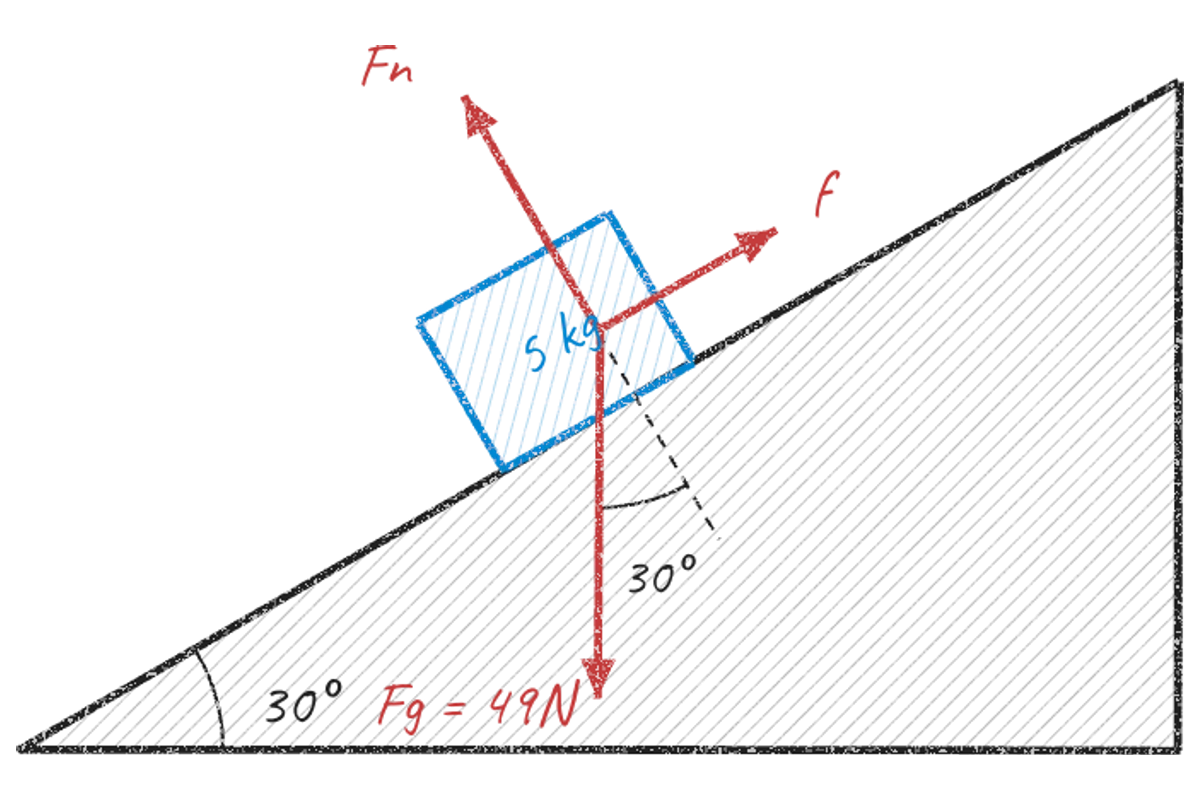
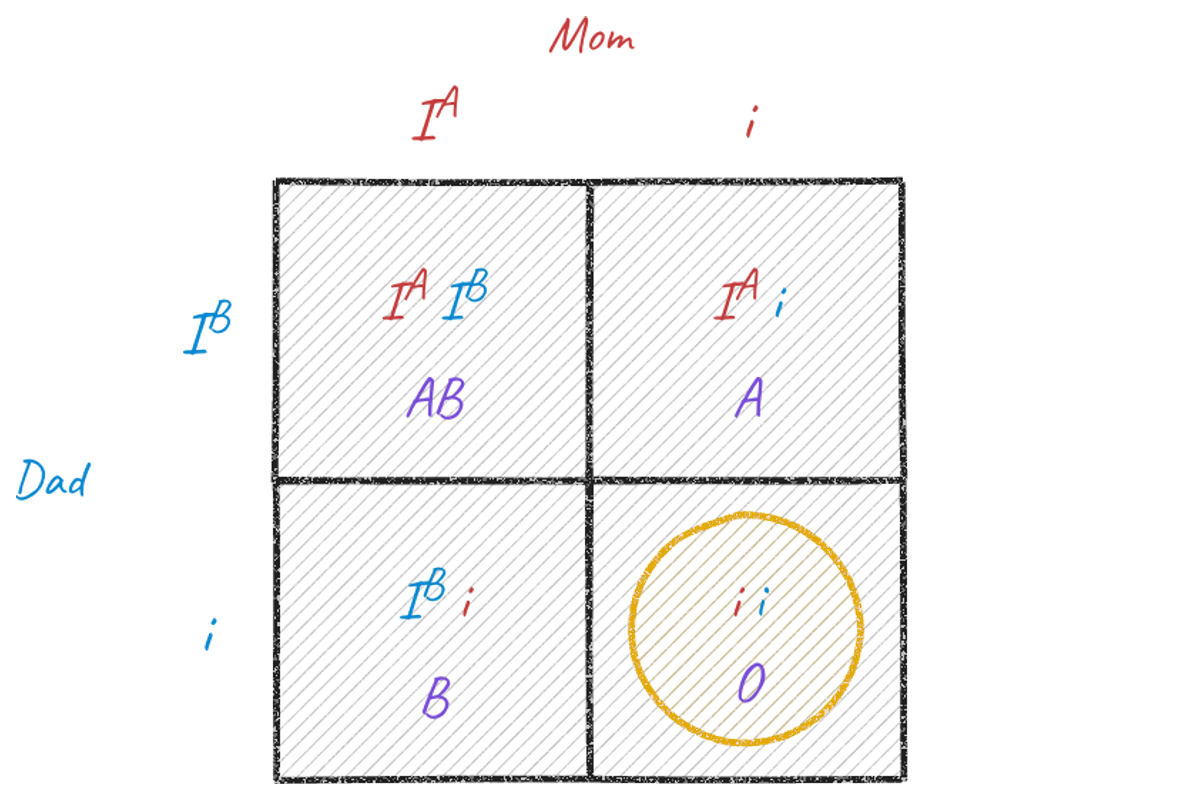
Math, physics, chemistry, biology, history and more: anything you can show it or describe. It draws what fits the subject, from worked equations and graphs to force diagrams, Punnett squares and maps.
Can I take a photo of my homework?
Yes. Add a photo of your homework, a PDF, slides, a text file or a link, and the lesson is built from it.
Will it just give me the answer?
No. It gives you one hint at a time so you solve it yourself, and it checks your thinking along the way. If a hint doesn't land, say so and it explains the step another way.
Does it work on my phone?
Yes, in your phone's browser, with nothing to download. You can also add it to your home screen so it opens like an app.
Up whenever you are, drawing it out until you go “aha!”